Setting Screen Time Limits That Actually Stick in 2027
9 September 2026
If you feel like every conversation about screens ends in a negotiation you didn't sign up for, you are not alone. By 2027, the average household owns more connected devices than people. Tablets have replaced coloring books in waiting rooms. Smartwatches ping children with messages from friends before they even finish breakfast. And the old advice about "just unplug the Wi-Fi at 8 p.m." feels about as useful as telling a fish to stop swimming.
The problem is not that screens are evil. The problem is that our limits were designed for a different world. We set rules based on hours, but kids now live in a world where school, socializing, and hobbies all happen through a glowing rectangle. So what actually works in 2027? Not the timer apps you bought in 2024. Not the "one hour of Minecraft" rule that somehow turns into three. What works is a complete rethink of how you approach limits, built around the way digital life actually functions today.
Let me walk you through what that looks like, why most parents fail at this, and how to build a system that your family will actually follow past February.

Why Traditional Screen Time Limits Fail
Most parents start with a simple plan. They decide the child gets two hours of screen time per day. They buy a parental control app. They feel good for about a week. Then something cracks.The cracks are predictable. A school project requires research online, and suddenly the timer is paused. A friend invites your child to a group video call for a birthday party, and you do not want to be the parent who says no. A long car ride turns into an exception, then a habit. By the end of the month, the rule exists only on paper, and the child has learned that limits are flexible if they push hard enough.
The deeper issue is that time-based limits treat all screen use as the same. They are not. Reading a news article for a school assignment is not the same as doomscrolling short videos. Building a world in a sandbox game with friends is not the same as passively watching someone else play a game. A video call with a grandparent is not the same as anonymous chat in a gaming lobby. When you measure only minutes, you ignore the quality, the context, and the social value of what your child is doing.
Another silent killer of limits is inconsistency between parents. If one parent says no screens after dinner and the other quietly hands over a phone during a meltdown, the rule dies quickly. Children are excellent at detecting weak spots. They will ask the parent who is tired, distracted, or feeling guilty. And that parent will cave, not out of malice, but out of exhaustion.
Finally, most limits are set without the child's input. A rule imposed from above feels like a punishment. A rule co-created feels like a plan. The difference in buy-in is enormous.
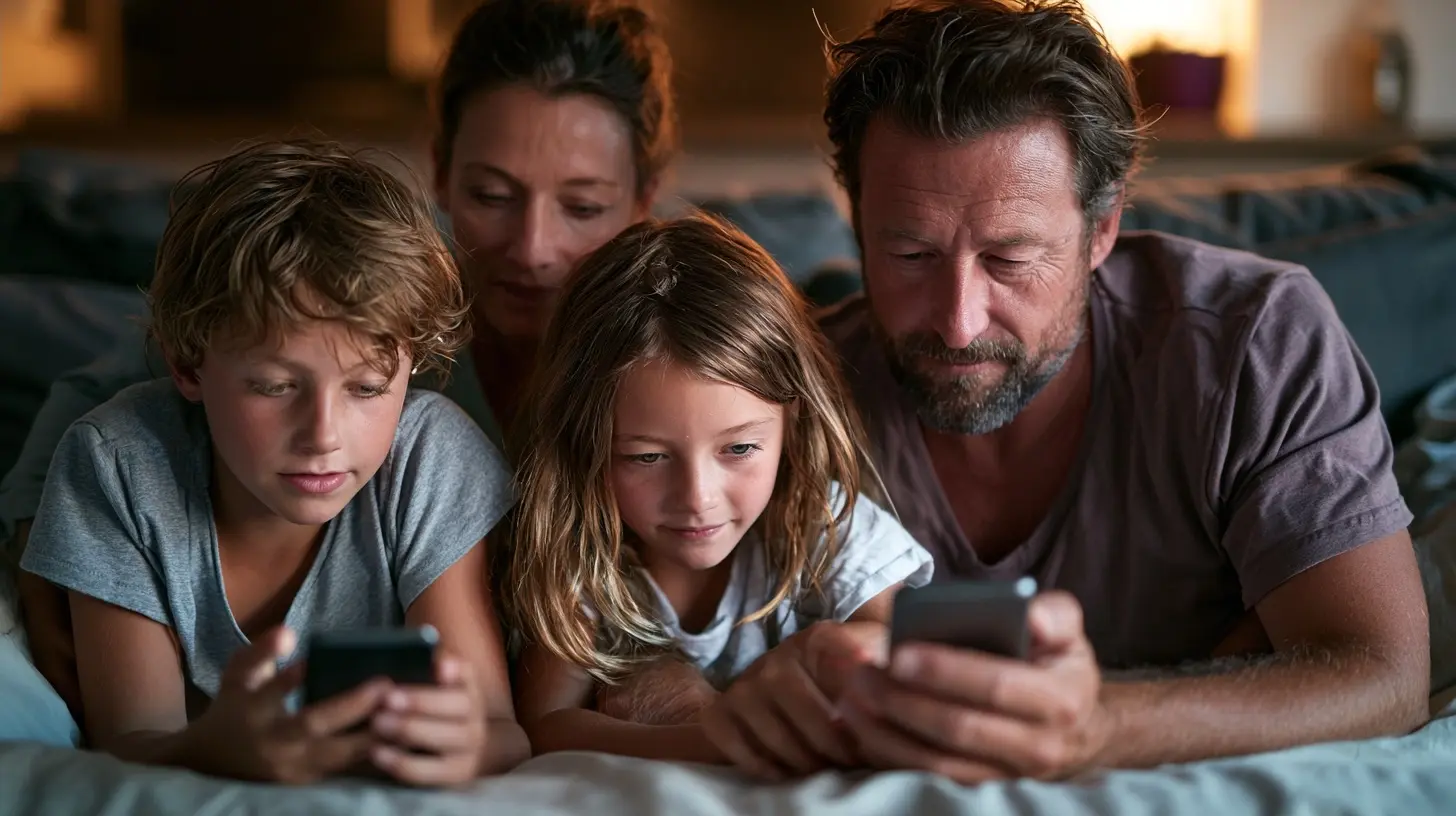
The 2027 Approach: Context Over Clock
The most effective framework I have seen families adopt in the past two years moves away from counting minutes and toward categorizing purpose. Instead of asking "how long?" you ask "why?" and "what else?"The Three-Bucket System
Sit down with your child and divide all screen activity into three buckets. Call them whatever works for your family, but the categories are consistent.Bucket One: Required. This includes homework, research, school communication, and any digital task that has a deadline or educational necessity. There is no time limit on this bucket. You do not tell a child they have used up their homework minutes. That is absurd. But you do set rules about focus. No YouTube tabs open while writing an essay. No group chats during a research session. The rule here is not about time; it is about attention.
Bucket Two: Connected. This is social screen time. Video calls with friends, multiplayer games with known peers, messaging groups for school projects, and shared online experiences. This bucket is important because for many kids, this is their social life. Cutting it off entirely is like telling a 1980s kid they cannot use the landline after school. The limit here is not about the activity itself but about balance with physical-world social time. If your child spends two hours online with friends but refuses to go to the park for an hour, the issue is not the screen. The issue is that the online world is easier and more rewarding.
Bucket Three: Passive and Solo. This is the bucket that needs the most limits. Mindless scrolling, algorithm-driven short videos, watching random clips, playing solo games with no social or creative element. This is where time disappears and mood often drops. This is also the bucket where kids themselves often feel bad afterward. They do not say "I had a great hour watching random clips." They say "I was bored and then suddenly it was dinner."
The key insight is that you do not need to ban Bucket Three entirely. You need to make it less accessible and less automatic. The apps in this bucket are designed to be endless. They have no natural stopping point. So you create one.
The "One More" Rule
Instead of a timer that dings and causes a fight, implement the "one more" rule. When your child is in Bucket Three, and you want them to stop, say "You can have one more, and then you choose the stopping point." This sounds counterintuitive, but it works because it gives the child a sense of control. They watch one more short video, or finish one more level, and then they turn it off themselves. It takes about three weeks for this to become automatic. The brain learns that the parent is not yanking the device away mid-activity, which reduces the defensive reaction.The failure mode here is when the child says "one more" and then asks for another "one more." You hold the line. You say "You chose your one more. Now it is time to stop." The first few times will be rough. But consistency builds trust. After a month, most children stop negotiating because they know the rule is real.

Set Limits Around Transitions, Not the Clock
Another powerful shift is to anchor screen time to transitions rather than to a specific hour. For example, many families find that the worst conflicts happen right after school. The child wants to decompress with a screen. The parent wants them to do homework, or go outside, or practice an instrument. The fight is not about the screen. The fight is about the transition from school mode to home mode.A better rule is the "feet on the ground" rule. After school, the child must have a snack, change clothes, and spend at least 20 minutes doing something physical or creative before any screen time. This is not a punishment. It is a reset. The brain needs a break from the classroom. A quick walk, a snack, or just talking about the day helps the child shift gears. By the time they sit down with a screen, they are calmer and less likely to spiral into a bad mood.
Similarly, the hour before bed should be screen-free for everyone, not just kids. This is hard. Many parents use their own phones to wind down. But if you want your child to stop using screens at night, you need to model that behavior. The rule is simple: all devices live in the kitchen or a charging station outside the bedroom at 9 p.m. No exceptions. No "I just need to check one thing." The science on blue light and sleep disruption is well established. But more importantly, the habit of winding down without a screen is a life skill that your child will carry into adulthood.
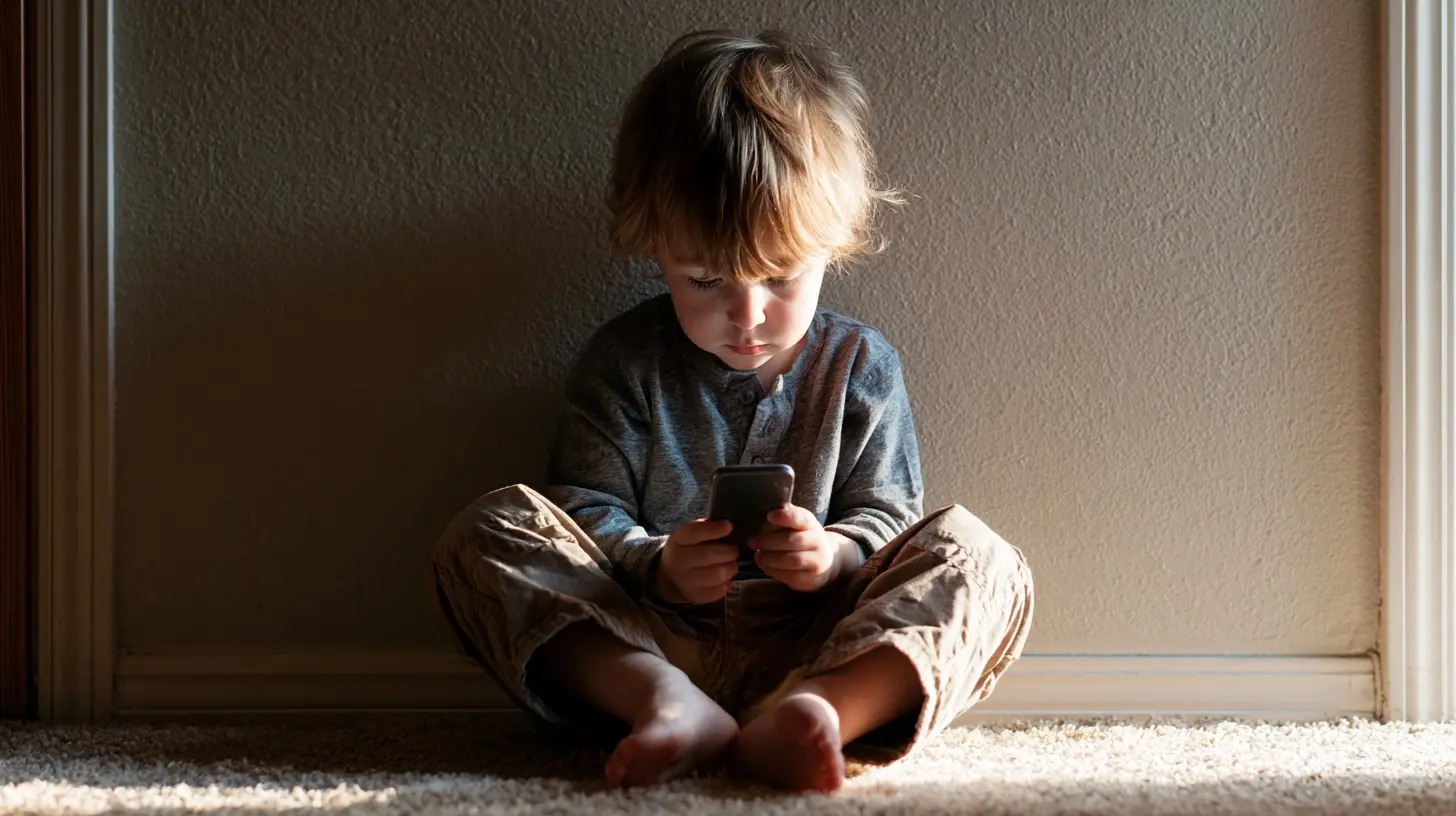
The Parent Problem: Your Own Screens
Here is the uncomfortable truth. Your child will match your behavior, not your words. If you say "no phones at the dinner table" and then check your email mid-meal, your child notices. If you say "put that down and talk to me" while scrolling through your own feed, your child learns that screens are more important than people.This is not about being perfect. Nobody expects you to never look at your phone. But you need to be honest about your own patterns. Do you pick up your phone every time there is a lull in conversation? Do you reach for it while waiting for water to boil? Do you check it first thing in the morning? Your child sees all of this.
In 2027, the most effective parenting move is not to install better software on your child's device. It is to install a charging station in your own bedroom and actually use it. When you model that a screen is a tool, not a pacifier, your child internalizes that lesson. When you pick up a book instead of a phone during a free hour, you are teaching more than any rule ever could.
The trade-off is real. You will feel anxious without your phone for a while. You will miss messages. But the gain is a family culture where screens are not the default activity. That is worth more than any parental control app on the market.
Co-Create the Rules Together
Sit down with your child, ideally on a weekend morning when nobody is hungry or tired, and build the family screen plan together. Start by asking questions. What do they love about their favorite apps? What do they wish they could do less of? When do they feel bad after using a screen? When do they feel good?You will be surprised by their answers. Many kids know that certain apps make them feel worse. They just do not know how to stop. They want help. They just do not want to be bossed around.
Together, write down the rules on a piece of paper and tape it to the refrigerator. Include rules for both kids and adults. For example:
- No screens during meals.
- All devices charge in the kitchen overnight.
- Homework comes before Bucket Two and Three.
- One hour of physical activity before any screen time on weekends.
- If someone asks you to stop, you have "one more" and then you stop.
Let your child suggest consequences for breaking the rules. They will often be harsher than what you would choose, which is fine. You can soften it together. The act of co-creating the rules means they cannot later claim the rules are unfair. They helped write them.
What About School-Issued Devices and Homework?
Many parents struggle with the fact that schools now require tablets or laptops for homework. The line between school time and leisure time blurs. A child says they are doing homework, but they are actually in a group chat or watching videos in another tab.The solution is not to ban the device. The solution is to create a physical and mental workspace. Have a designated homework spot, preferably in a common area like the kitchen or living room. No closed doors during homework time for younger children. For teens, you can agree on a "homework mode" where notifications are silenced and only school-related apps are visible.
If your child claims they need the device for research, you can ask to see the research. Not in a suspicious way, but in a curious way. "Oh, what are you learning about? Show me." This keeps you involved without being a warden. Over time, your child will learn that you are not going to police every click, but you are also not going to be fooled by the homework excuse.
The Rise of AI Companions and Virtual Worlds
By 2027, many children are interacting with AI chatbots and virtual companions. These are not just games. Some kids form deep emotional attachments to AI characters. This is new territory for parents. The old rules about "stranger danger" do not apply, but the concerns are real.The first thing to understand is that an AI companion is not a friend. It is a program designed to be agreeable. It will never get bored, never judge, never disagree. For a child who is struggling socially, an AI companion can feel safer than real human interaction. That is a red flag.
If your child spends more time talking to an AI than to real friends, you need to intervene. Not by banning the AI, but by figuring out what social need is not being met. Is your child lonely at school? Are they being bullied? Do they lack social skills? The AI is a symptom, not the disease. Address the underlying issue, and the AI will naturally become less central.
On the other hand, using AI for creative projects, learning, or even as a brainstorming partner is generally positive. The key is to ask your child what they are doing with the AI. If they can explain it, and it has a purpose beyond "it makes me feel good," that is fine. If they get defensive and vague, dig deeper.
The Myth of the Perfect App
There is no app that will solve this for you. I have seen parents buy three different parental control subscriptions and still end up in daily fights. The apps can block, limit, and monitor, but they cannot teach self-regulation. They cannot replace a conversation. They cannot build trust.That said, some basic tools are useful. Router-level controls that shut off the internet to specific devices at a set time are helpful because they are impersonal. The Wi-Fi goes off at 10 p.m. It is not Dad being mean. It is just how the house works. This removes the parent from the role of the bad guy.
Similarly, app-level limits on the most addictive platforms are worth using, but only as a backstop, not as the primary strategy. If your child knows that TikTok cuts off after 30 minutes, they will stop fighting you and start planning around it. That is fine. The point is not to make screens impossible. The point is to make them less automatic.
Common Mistakes and How to Avoid Them
One mistake is changing the rules too often. If you set a limit and then relax it because your child is in a good mood, you teach them that rules are mood-dependent. That creates anxiety. Kids actually feel safer with consistent boundaries, even when they complain about them.Another mistake is using screen time as a reward for good behavior or a punishment for bad behavior. This backfires because it makes screens seem more valuable. If you say "you lost your tablet time because you hit your brother," you are teaching that the tablet is the most important thing. Instead, use natural consequences. If your child hits their brother, the consequence is about the hitting, not about screens.
A third mistake is comparing your family to others. Your neighbor's child might be fine with unlimited Minecraft. Your child might spiral after 20 minutes. Every child is different. Some kids can regulate their own screen use. Others cannot. You need to know your child, not follow a generic chart.
When to Loosen the Reins
As your child gets older, the goal is not to keep them on a short leash. The goal is to help them internalize self-regulation. By age 14 or 15, most teens need fewer external limits and more internal reflection. You can start shifting from "the rule is" to "how did that feel?" Ask them about their screen use after a long session. Did they feel energized or drained? Did they accomplish what they wanted? Did they miss out on anything?This reflective practice is more powerful than any timer. It builds metacognition, the ability to think about your own thinking. A teen who can answer "I feel bad after two hours of scrolling, so I set a 20-minute timer for myself" is ready for college. A teen who has only ever followed external rules is lost when the rules disappear.
So by high school, you should be loosening the reins. Keep the charging station rule, because sleep matters. But let them make their own choices about how to spend their free time, and then have honest conversations about the outcomes.
The Bottom Line
Setting screen time limits that actually stick in 2027 is not about finding the perfect timer or the strictest app. It is about shifting your family culture. It is about being honest about your own habits. It is about treating your child as a partner in creating rules, not as a problem to be managed. It is about focusing on the quality and purpose of screen use, not just the quantity.The families that succeed are not the ones with perfect enforcement. They are the ones where screens are a tool, not a tyrant. Where a child can put down a tablet to look you in the eye without it feeling like a loss. Where the dinner table has conversations, not notifications. Where boredom is not a crisis but a space for creativity.
You will not get this perfect. There will be days when you give in, when you are too tired to fight, when you hand over the tablet just to get through a difficult hour. That is fine. Parenting is not about perfection. It is about direction. If you are moving in the right direction, if you are having the conversations, if you are modeling good behavior most of the time, you are doing better than you think.
The goal is not to eliminate screens. The goal is to make sure that when your child looks back on their childhood, they remember the camping trips, the board games, the conversations, and the feeling of being truly present. Screens will be part of that story. But they should not be the whole story.
Start today. Not with a lecture, but with a question. Ask your child what they think about their own screen use. Listen without judgment. Then make one small change together. That one change, repeated consistently, will become a habit. And that habit will become a family culture that survives even the most aggressive algorithm.
all images in this post were generated using AI tools
Category:
Parenting BoundariesAuthor:

Noah Sawyer
Discussion
rate this article
2 comments
Teagan McCall
In a world where screens whisper secrets, can we find the balance between connection and distraction? What choices will shape our children's reality?
September 13, 2026 at 3:46 PM
Noah Sawyer
Finding that balance is crucial. We need to be mindful of how we guide our children in navigating technology, ensuring they learn to connect meaningfully while managing distractions. Thoughtful choices now will shape a healthier digital reality for them.
Caelestis McCall
Great tips! Setting screen time limits can be tough, but with a little consistency, it becomes easier and more enjoyable for everyone.
September 13, 2026 at 3:58 AM
Noah Sawyer
Thanks! Consistency really is key. It can make a big difference for everyone involved.